
A Bizarre Run Discord: Join the Server and Find Help
Find the A Bizarre Run Discord invite, learn where to ask gameplay questions, and follow announcements, codes, and race updates before the next Roblox run.
Jump to
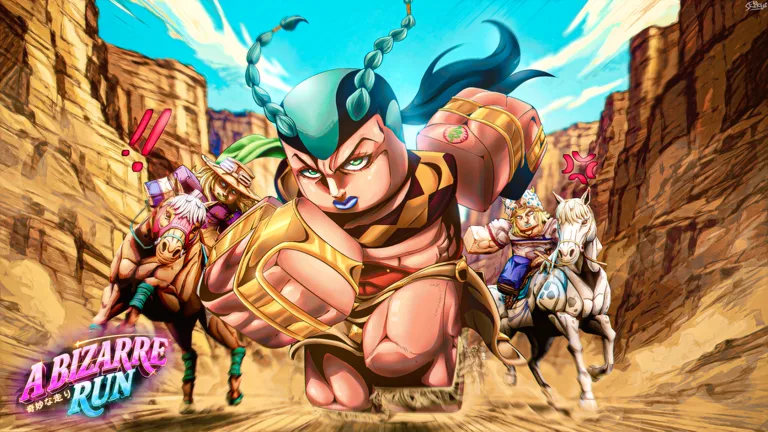
How to Join the Community Server
Join the A Bizarre Run Discord with the invite code abizarrerun to follow announcements and get help with racing and Stand combat. The game combines horseback racing, environmental hazards, and PvP, so knowing what to expect can save you a rough trip through the stages. The server gives you somewhere to ask questions, discuss builds, and find other players before entering a race.
Use the invite code to find the community, then head to questions and common-questions for gameplay help. These channels cover topics such as Stands, specs, mounts, and basic mechanics.
What to Read First
Start with announcements to catch development news, balance changes, and upcoming content. Sneak peeks are also part of the server’s appeal, especially if you want to follow new abilities and features between updates.

For a practical first visit, focus on:
- Announcements and updates: Find out what has changed before relying on an older build or strategy.
- Common questions: Look for explanations of mechanics before posting a question that already has an answer.
- Code announcements: Watch for reward codes and read the requirements attached to each announcement.
- Community discussions: Find racing partners, compare combat setups, and discuss troublesome sections of the course.
The Roblox game description includes a 50,000-like code milestone. Look for the actual code announcement before trying to redeem a reward; a milestone message does not contain a redeemable code.
How to Ask Useful Gameplay Questions
Name the mode and the situation when asking for help. A question about surviving the race needs different details from one about fighting in Battlegrounds.
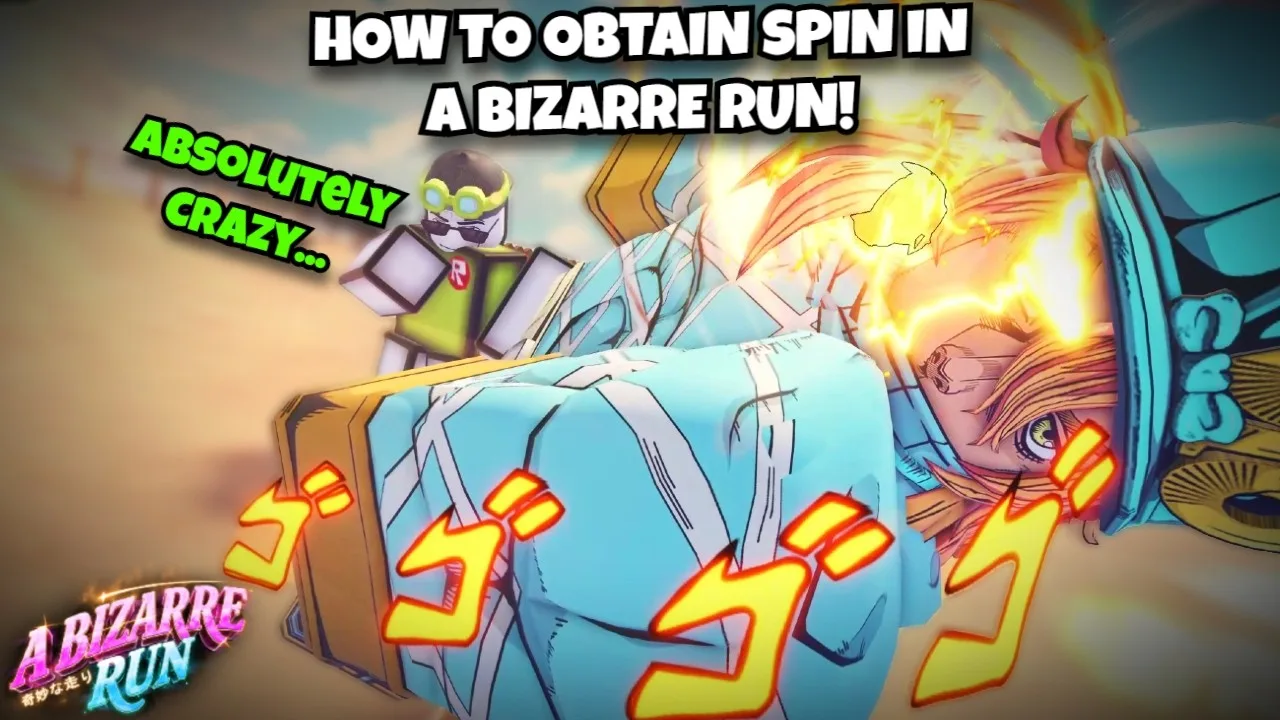
For racing, specify the stage and the obstacle giving you trouble. Stage one emphasizes riding, shortcuts, and environmental sabotage, while stage two introduces player combat and bounties. Ask about a particular route or encounter instead of simply asking how to win.
Between stages, the train lets you view your finish time, spectate other players, and buy secondary items or ammunition at the shop. Stage two adds tornadoes that can send you flying and Cholla Cactus that knocks nearby riders off their horses. Name the hazard when asking how to navigate that stretch.
Bounty selection offers three targets with easy, medium, and hard threat levels. Defeating your target awards cash and points, while surviving or defeating someone hunting you also earns rewards. Multiple players can target you, so mention whether your problem involves pursuing a bounty or escaping other hunters.
For combat, include the Stand or style you are using and the move or matchup you want help understanding. Tusk, Spin, Anubis, and Scary Monsters have different abilities, so naming your setup gives other players something concrete to work with.
Before posting about an input problem, check these basic controls:
| Action | Key |
|---|---|
| Run while on your horse | Shift |
| Call your horse after falling off | T |
| Use the one-time boost | F |
| Pull out your Stand | B |
| Pull out your secondary item | C |
| Choose your secondary item | Hold C |
Save the one-time boost for a moment when you can use the extra speed. If you fall off, use T to call your horse before assuming you need to restart.
When discussing a bug, describe what you were doing and what happened afterward. Include whether it occurred during a race or in Battlegrounds so the conversation starts with the relevant mode.
Find the Right Roblox Experience
Use the A Bizarre Run Roblox game page to enter the experience. Look for A Bizarre Run By Current. as the creator.
Servers support up to 80 players, leaving plenty of room for crowded races and chaotic encounters. If you want to focus on fighting, choose Battlegrounds, the separate mode built around Stand combat rather than completing the race. Mention that choice when looking for other players so everyone joins with the same goal.
Continue with
 A Bizarre Run Trello: Community Help and Game BasicsLooking for A Bizarre Run Trello? Find community help, learn the racing and Stand controls, and see where to follow game announcements and reward codes.
Continue exploring

Join the community
Official channels for news, updates and player help: